Azimuth Divisions
This screen allows users to control how the measurement is separated in azimuth divisions, and select the area to be measured. Azimuth divisions can be thought of as pie slices, making up the hemispherical picture.
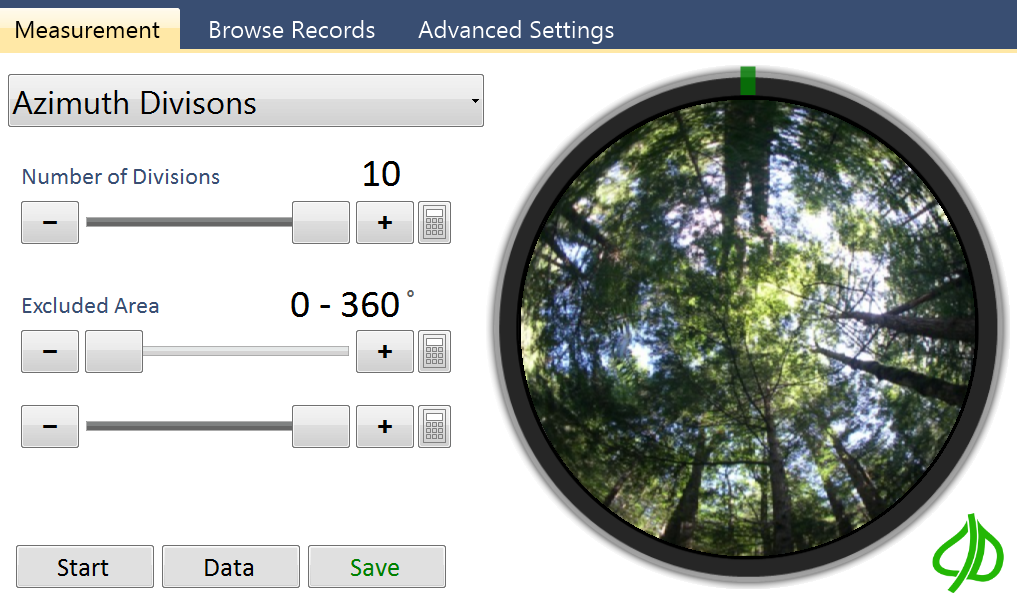
Number of Azimuth Divisions
This field indicates how measurement data will be divided. Measurements can automatically be split into up to 10 azimuth divisions.
Excluded Area
These fields indicate which part of the camera image should be measured. The area masked in blue will be excluded. In addition to using the slider controls users can select using their finger by sliding a finger clockwise over the area to exclude, or counter clockwise over the area to exclude.